
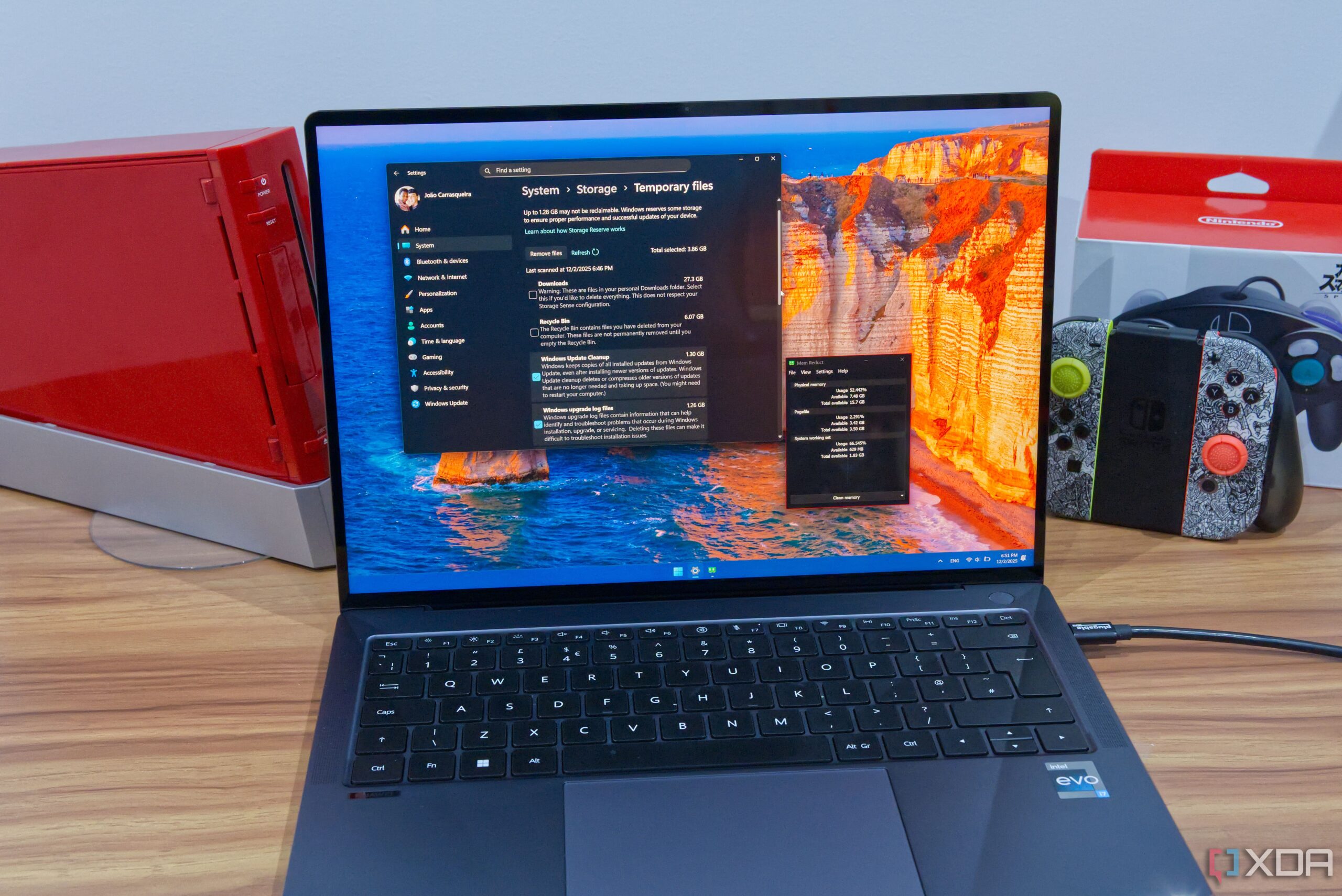
URGENT UPDATE: New reports reveal that popular Windows “optimizations” could be harming your PC performance, rather than enhancing it. Users of Windows 11 are being warned that some commonly recommended practices, including RAM cleaning and cache deletion, can actually slow down their systems.
These alarming findings come as many strive for better performance from their devices. Experts stress that while certain actions can improve performance, misguided attempts at optimization could lead to significant slowdowns.
What You Need to Know: The advice to “free up RAM” or use cleaning programs is misleading. Authorities in tech have confirmed that Windows intelligently manages RAM, and using third-party RAM cleaners can disrupt this process. By clearing RAM, you risk losing critical data that helps your applications run smoothly.
Critical Insight: When you attempt to clean RAM, your computer may need to reload information from the disk, which is considerably slower. This method is being debunked by tech professionals who emphasize that Windows is capable of managing memory effectively on its own.
Another frequent misconception involves disk caching. Cached files, which include thumbnails and frequently accessed images, enhance performance by allowing quick access to data. Tools like Disk Cleanup or third-party alternatives such as CCleaner can actually harm performance if used excessively, as they delete files that speed up loading times. Experts recommend using these tools only when disk space is critically low.
Registry Cleaning Risks: Additionally, many users are tempted by claims of registry cleaning to enhance speed. However, tech authorities caution that while unnecessary registry keys can be deleted without immediate repercussions, doing so may inadvertently remove keys still in use, potentially crippling software functionality.
It’s essential for users to adopt a more effective strategy for improving PC performance. Instead of relying on potentially harmful optimizations, managing files actively and disabling unnecessary startup tasks can yield better results. Upgrading RAM or purchasing new hardware may be the most effective long-term solution for users facing significant performance issues.
Why This Matters NOW: As more users rely on their PCs for work and personal use, understanding the implications of these optimizations is crucial. The urgency of this message cannot be overstated—make sure your Windows 11 device is running optimally by avoiding these common pitfalls.
Stay informed and share this information with fellow Windows users to help them avoid unnecessary performance issues!