
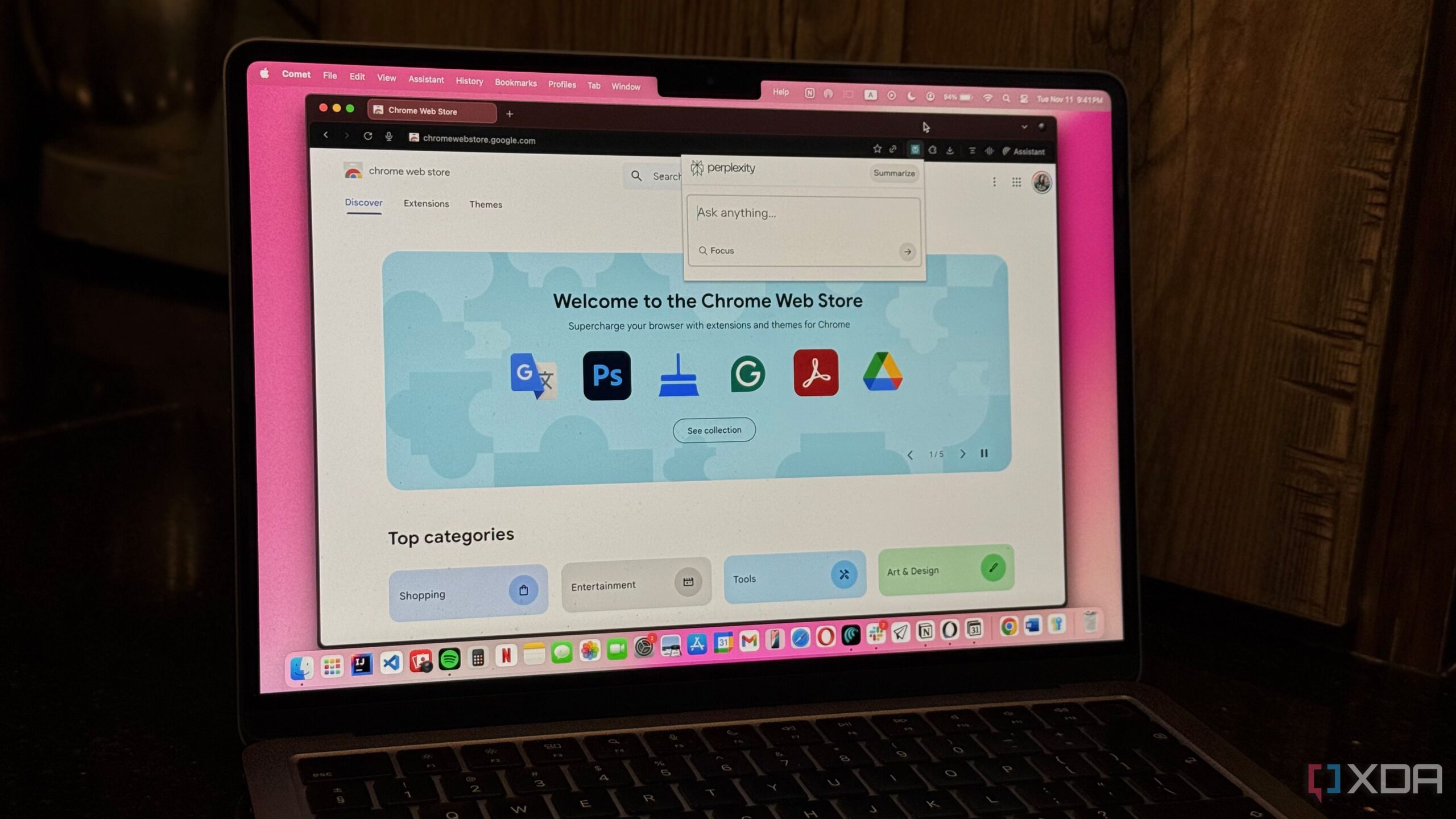
Many users are re-evaluating their reliance on browser extensions, particularly those for Google Chrome, as they seek to improve performance and security. Recent observations indicate that Chrome often consumes excessive memory, with reports of users noticing their browsers using up to 12GB of RAM despite closing numerous tabs. A significant contributor to this issue is the presence of background extensions that continue to run even after closing the browser.
Chrome’s recent update, known as Manifest V3, has limited the functionality of many popular extensions, particularly advanced ad blockers. This change has prompted users to reconsider their entire workflow, leading to a move away from extensions towards native applications.
Security Concerns Drive Change
One of the primary motivations for this shift is the growing concern over security and privacy. Many extensions require permissions that allow them to “read and change all your data on the websites you visit.” This raises serious questions about user data security, as these extensions may access sensitive information and potentially sell it to third parties.
Furthermore, there have been instances where reputable extensions have been acquired by less trustworthy companies, transforming them into adware or spyware almost overnight. This transformation can expose users to additional risks, as extensions that were once reliable may compromise their security.
The recommended solution is to transition to native applications that users install directly on their devices. These applications do not rely on browsers and their associated permissions, thus mitigating exposure to potential vulnerabilities. For instance, users looking for a password manager can consider applications like Bitwarden or One Password, which offer system-wide autofill capabilities without the need for an extension. Similarly, alternatives for common extensions, such as uBlock Origin Lite for ad blocking and desktop apps like Grammarly or LanguageTool, provide functionality without the drawbacks of browser extensions.
Enhancing Performance and User Experience
Another effective strategy for improving performance is using Chrome’s “Install Page as App” feature. This allows users to install frequently visited websites, such as Todoist, Notion, or Spotify, as standalone applications. These apps open in separate windows, eliminating the clutter of browser tabs and reducing memory consumption.
By using native apps, users can expect noticeable improvements in browser speed and overall system performance. With fewer extensions running in the background, the browser can operate more efficiently, leading to a reduction in RAM usage. Reports suggest that users may experience up to a 15% improvement in battery life on laptops, as switching to native apps often lessens the load on the CPU.
Moreover, the likelihood of browser crashes and unresponsive pages diminishes significantly when extensions are removed from the equation. This streamlined approach results in a smoother browsing experience, enhancing productivity and user satisfaction.
Adopting a minimalist approach to browser usage can substantially impact overall workflow. Users are encouraged to audit their existing extensions, removing those that are seldom used. If certain functionalities are still desired, exploring native alternatives or installing web pages as applications can serve as effective substitutes.
Many individuals have relied on browser extensions for years, but the transition to native applications can lead to a cleaner, faster, and more secure computing environment. By implementing these changes, users can optimize their systems and enhance their overall digital experience.