
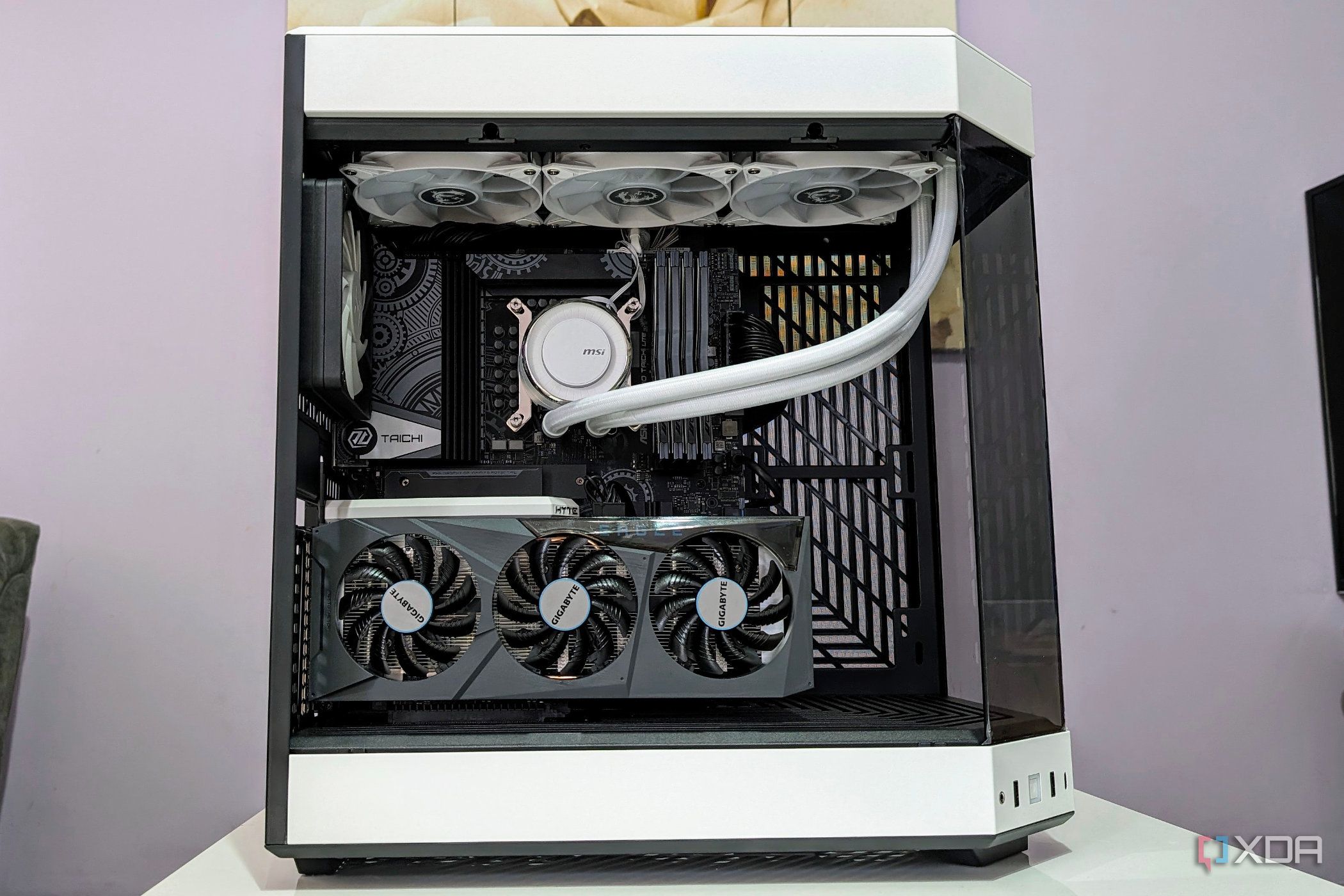
URGENT UPDATE: As PC enthusiasts rush to enhance their systems, experts warn of 6 critical upgrade mistakes that can lead to significant performance issues or even hardware failure. These insights come just in time for the busy upgrade season as many users look to optimize their gaming and productivity setups.
PC upgrades, whether it’s a new GPU, additional RAM, or a better cooling unit, can greatly improve performance. However, improper installation and configuration can cause severe complications, including instability and reduced efficiency. Here’s what every user should know RIGHT NOW.
1. CPU Upgrades: Don’t Skip the BIOS Update
When upgrading your CPU, failing to update the BIOS can lead to dire consequences. Users transitioning to a different generation CPU must ensure their motherboard supports the new architecture. This update is crucial as it facilitates the CPU’s functionality and includes vital security patches. Neglecting to perform this update can result in a system that won’t boot.
2. Proper Application of Thermal Paste
A frequent blunder among beginners is mixing old thermal paste with new. This practice can introduce air bubbles, leading to improper heat transfer. For optimal results, it is vital to clean the old paste thoroughly and apply a fresh layer, ensuring maximum contact between the CPU cooler and the CPU.
3. RAM Compatibility: Don’t Mix Kits
New data reveals that mixing different RAM kits—even those of the same brand and speed—can lead to instability. This is due to variations in DRAM ICs and timings that can cause the memory controller to throttle back to the lowest performing DIMM. Users should verify compatibility before installation to avoid performance degradation.
4. GPU Driver Conflicts
Switching from one graphics platform to another (e.g., AMD to Nvidia) requires complete uninstallation of the existing GPU drivers. Experts recommend using the Display Driver Uninstaller (DDU) to ensure no remnants are left behind. Failing to do so can result in low FPS, game crashes, and incorrect GPU detection.
5. NVMe Drive Slot Selection
Choosing the correct slot for your NVMe drive is essential. Installing a Gen 5 drive into a Gen 4 slot will severely limit its speed. Additionally, users must be cautious of bandwidth sharing on motherboards with multiple M.2 slots, as this can affect the performance of other connected devices.
6. Power Supply Connection Errors
When upgrading your power supply unit (PSU), it’s crucial to use the cables that came with the new unit. Pin layouts can differ drastically between models, and using incorrect cables can lead to serious issues, including component failure. The consequences can be catastrophic, potentially damaging the motherboard or other components.
In an age where every second of performance counts, these missteps can lead to frustrating experiences for users eager to enhance their systems. As October 2023 progresses, tech enthusiasts are urged to double-check their configurations and installations to ensure a smooth upgrade process.
For those unfamiliar with the upgrade process, consulting online resources and forums can provide valuable guidance. Ensuring you are well-informed can help avoid these common pitfalls and optimize your PC’s performance effectively.
Next Steps: Stay tuned for further updates and tips as the tech community continues to share insights on maximizing your hardware’s potential. Don’t let your excitement for upgrades turn into disappointment—make sure you’re doing it right!