
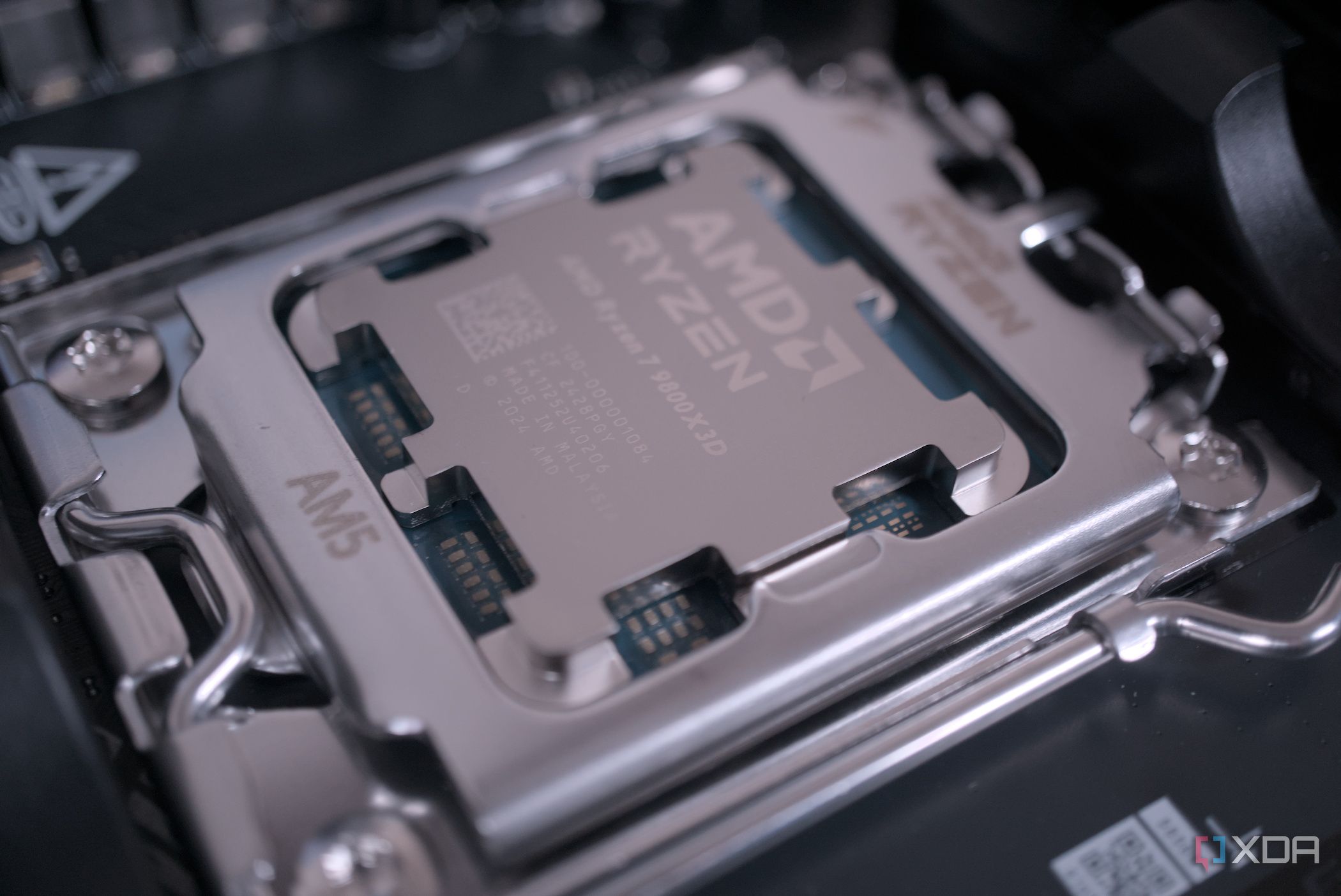
Recent findings indicate that many central processing units (CPUs) are configured to underperform due to settings in the system’s BIOS. Most CPUs available today possess capabilities that exceed their default performance levels. By accessing the BIOS, users can unlock significant enhancements to their system’s speed and efficiency.
The default settings on modern CPUs often prioritize power-saving measures over maximum performance. This approach may appeal to casual users who prioritize energy efficiency, but it leaves a considerable amount of potential performance untapped. Enthusiasts and gamers seeking improved system responsiveness can benefit greatly from adjusting these settings.
Exploring BIOS Settings for Optimal Performance
Within the BIOS, users can discover numerous options that can be modified to boost CPU performance. For instance, power limits can be raised, which allows the CPU to operate at higher frequencies for extended periods. Additionally, users can adjust the boost behavior, which governs how the CPU responds under load, maximizing its capabilities when performance is critical.
Memory timings also play a crucial role in overall system performance. By tightening these timings, users can enhance the speed at which data is accessed and processed. This adjustment, while technical, can lead to noticeable improvements in tasks that require quick data retrieval, such as gaming and content creation.
It’s important to note that while these adjustments can lead to enhanced performance, they may also increase power consumption. Users should consider their specific needs and workloads when deciding whether to modify these settings. For those comfortable with the risks, the rewards can be substantial.
Benefits of Adjusting CPU Settings
The ability to fine-tune CPU settings can lead to significant performance boosts. For example, gamers may experience smoother frame rates and reduced lag during intensive gaming sessions. Content creators may find that rendering times decrease, allowing for more efficient workflows.
Furthermore, as technology advances, understanding how to optimize CPU performance becomes increasingly important. Users who take the time to explore their BIOS settings may find their systems performing at levels that surpass their initial expectations, making it a worthwhile endeavor for anyone looking to enhance their computing experience.
In summary, while many CPUs ship with conservative performance settings, the potential for improvement is vast. By accessing BIOS settings and making strategic adjustments, users can unlock the full capabilities of their CPUs, leading to a more responsive and efficient computing environment.