
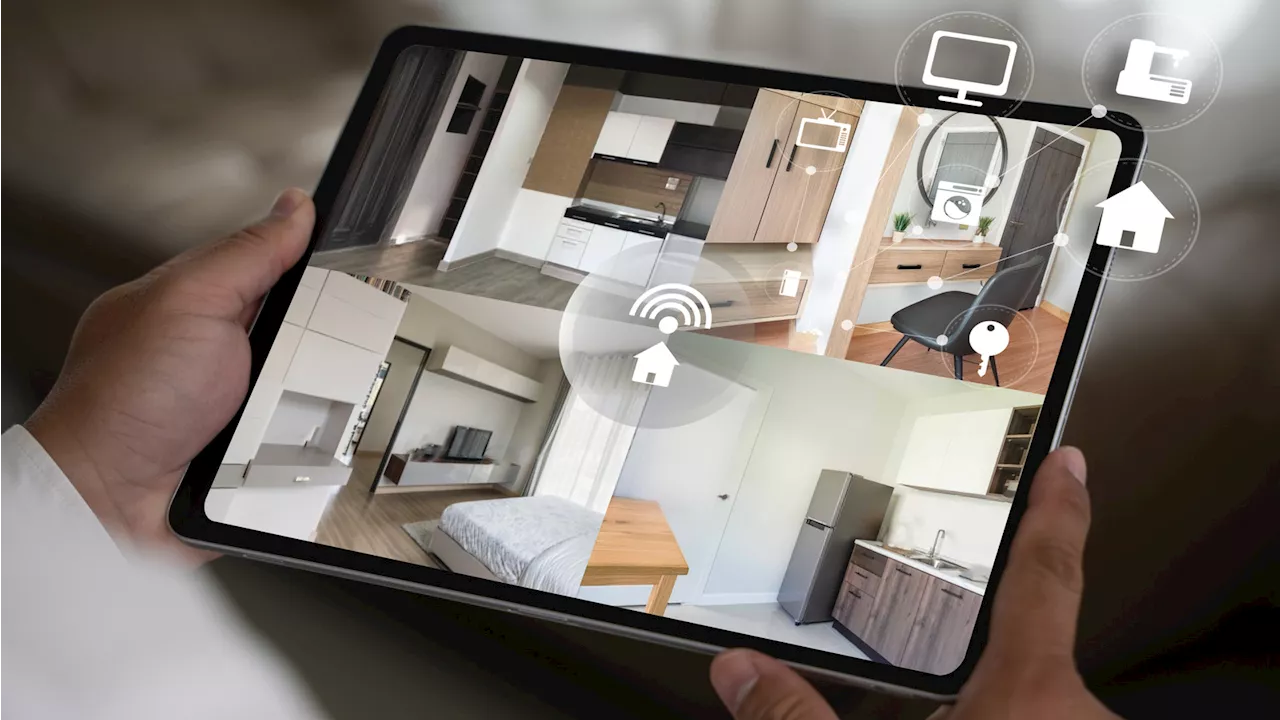
The rising costs of home security systems often deter individuals from investing in protective measures for their homes. Major kits, such as the Ring Alarm 14-piece home security system priced at $329 and the SimpliSafe eight-piece kit at $239, can stretch budgets thin. However, a simple DIY solution using existing webcams can provide an effective and inexpensive alternative for home security.
Utilizing webcams for security purposes takes advantage of their unobtrusive nature, making it less likely for intruders to notice they are being monitored. By connecting these devices to a computer and employing specific software, homeowners can create a functional security setup at a fraction of the cost of traditional systems. This approach is particularly beneficial for those with unused webcams lying around, as even purchasing additional units is generally affordable given the declining prices of webcam technology.
Setting Up Your DIY Security System
Creating a DIY security camera network is straightforward. The first step involves gathering the webcams you plan to use. Ensure they are all compatible with your computer. Next, select a webcam security software that meets your needs. Options such as Alfred, iSpy, and Security Eye offer basic functionality for free, allowing users to get started without financial investment.
Once the software is chosen and installed, homeowners should determine optimal placement for the webcams. Effective locations include entrances to the home to monitor who enters or exits, as well as central areas like living rooms. Specific spots, such as where pets spend time or areas housing valuables, can also be monitored. Each webcam must connect to the computer, which acts as the recording device for the footage captured.
After positioning the cameras, verifying the video feeds is essential. Homeowners should check to ensure each webcam is correctly aimed and all software connections are functioning smoothly. Testing the setup is crucial to ensure that it operates as intended, allowing users to secure their homes without incurring significant costs.
Choosing the Right Software and Enhancing Security
With a variety of software options available, it is important to select one that aligns with individual preferences and requirements. As using webcams may present certain vulnerabilities, enhancing digital security is essential. Homeowners should consider measures such as updating webcam firmware and changing default passwords to bolster their security.
Alfred is a popular choice, as it works with computers, Android smartphones, and Apple devices. It can even function on spare phones, providing additional security options. Another robust option, iSpy, supports multiple operating systems, including Windows, macOS, and Linux, and integrates with platforms such as Amazon Alexa. This software can send notifications to users via phone, email, or desktop, alerting them to any security issues.
For Windows users, Security Eye offers unique features, including motion detection, snapshot capabilities, and customizable recording schedules. This allows users to automate their security processes, making it easier to manage their systems while away from home.
The DIY approach to home security using webcams is not only cost-effective but also adaptable to individual needs. With a few simple steps, homeowners can establish a reliable security network without the financial burden associated with traditional systems. By leveraging technology already at hand, this method empowers individuals to safeguard their homes efficiently and affordably.