
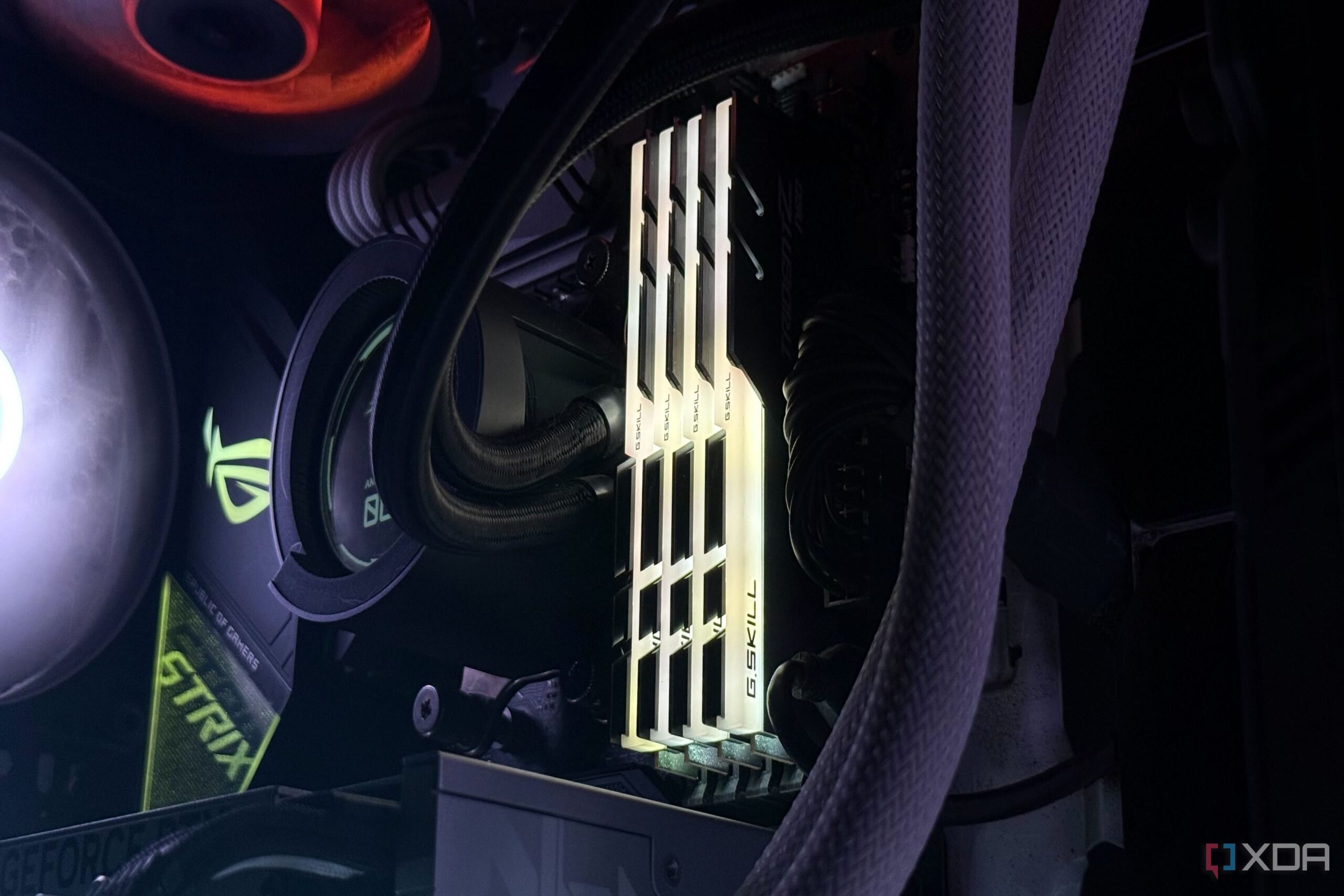
URGENT UPDATE: Many PC users are running their RAM at significantly lower speeds than expected, with critical implications for performance. Users may find their RAM advertised at speeds like 7200MT/s, yet upon installation, the actual speed drops to JEDEC baseline levels, causing confusion and frustration.
Experts confirm that this discrepancy is common as motherboards default to JEDEC speeds for compatibility and stability. This means that unless users manually enable XMP or EXPO profiles in their BIOS, they risk leaving substantial performance on the table. With gaming and memory-intensive tasks on the rise, this is an urgent issue for anyone relying on their PC for optimal performance.
When you power on your system, the motherboard begins with a safe initialization process. It defaults to slower JEDEC speeds, which are designed to ensure stability across various hardware configurations. Users expecting immediate high performance may be disappointed to discover that their system is not utilizing the full capabilities of their RAM.
Recent insights reveal that RAM performance is not just about the advertised speed.
“Those rated speeds are validated under ideal testing conditions,”
said a tech expert. “Users should treat them as a best-case scenario.” This means that even top-tier RAM kits might not perform at full speed if the CPU’s memory controller or motherboard isn’t equipped to handle aggressive profiles.
For example, a DDR4-3600MT/s kit may work flawlessly with one CPU but can falter with another, as seen with the Ryzen 9 5900X versus the 5800X3D. Users often need to adjust expectations and settings based on their unique hardware combinations.
To achieve the speeds they paid for, users must access their BIOS and enable XMP or EXPO. This simple step can vastly improve system responsiveness, enhance gaming experiences, and expedite memory-heavy tasks. However, it’s crucial to proceed with caution, as pushing RAM to its limits can expose weaknesses in the CPU’s memory controller and motherboard layout.
As PC building becomes more mainstream, understanding the nuances of RAM speeds is essential. Users should not overlook the importance of BIOS configuration. Failing to do so could result in random freezes and crashes, leading to a frustrating user experience.
The tech community is calling for awareness and action. With high-performance gaming and productivity on the rise, ensuring that your RAM operates at its advertised speed is more important than ever.
What to Watch For: Keep an eye on upcoming updates from motherboard manufacturers regarding BIOS improvements that may enhance compatibility and stability at higher speeds.
Act now! Don’t let your RAM underperform; enable XMP or EXPO settings to maximize your PC’s potential!