
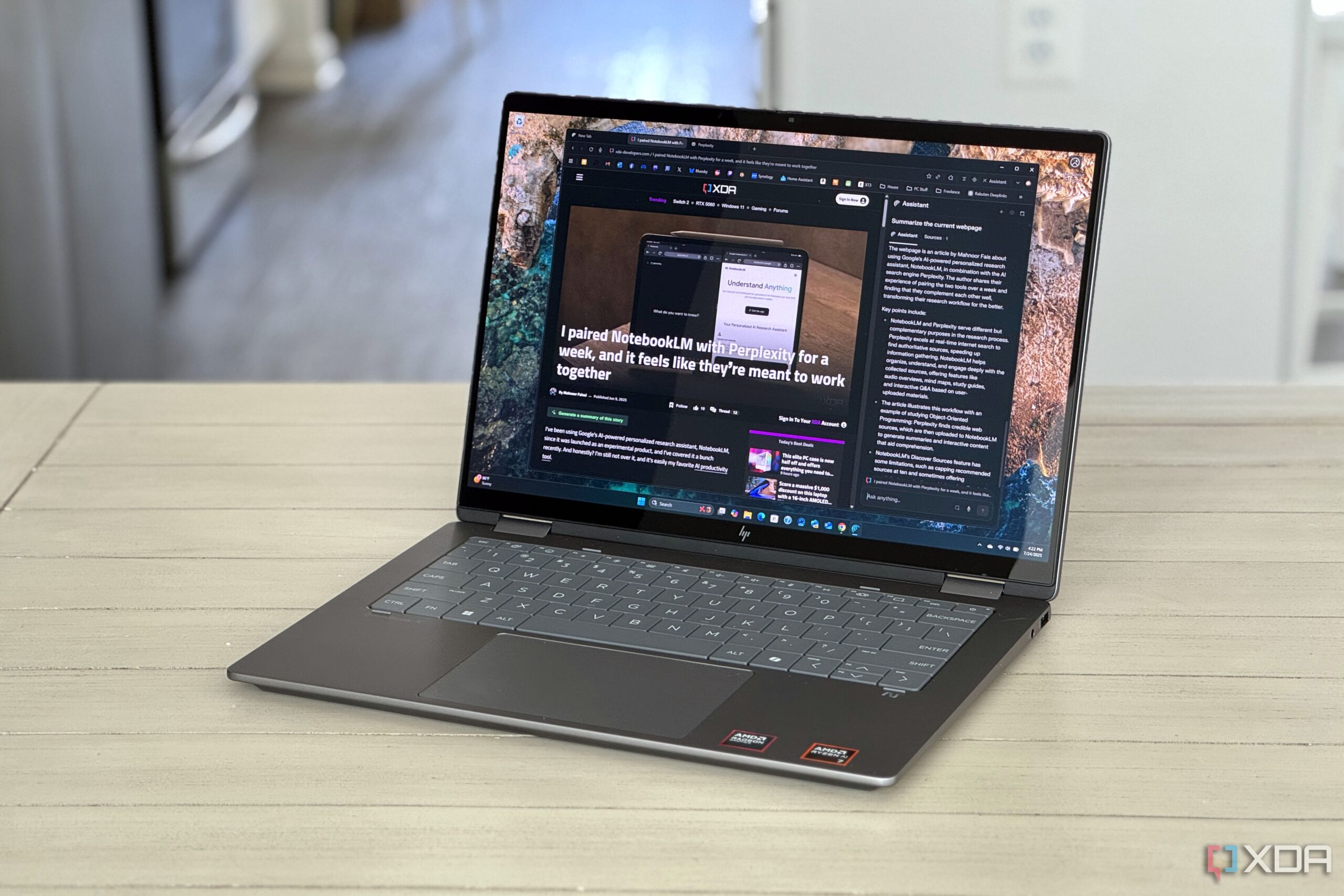
Web browsers play a crucial role in shaping the overall experience of PC users, serving as the primary interface for various activities, including work and entertainment. Despite their significance, many users overlook how their choice of browser can impact system performance. A growing number of users are beginning to notice that sluggishness and crashes are often linked to the browser itself, rather than hardware limitations.
The importance of optimizing browser performance cannot be overstated. Browsers are the most frequently used software on personal computers, yet they often receive little attention when performance issues arise. Common problems like stuttering, increased RAM usage, and unexpected crashes are frequently misattributed to the central processing unit (CPU) or the operating system. In many instances, users opt for unnecessary hardware upgrades rather than addressing the root cause of their PC’s performance issues.
Understanding the Browser’s Impact on Performance
Modern web browsers are complex applications that require significant system resources. When running multiple tabs, extensions, or heavy multimedia content, they can consume substantial amounts of RAM and processing power. This can lead to noticeable slowdowns, particularly on older systems. Users often report that their PCs feel sluggish, yet they may not realize that their browser is a primary contributor to the problem.
For instance, a browser left open with numerous tabs can consume up to 1 GB of RAM or more, depending on the content of those tabs. This excessive use of RAM can strain the system, particularly for users with limited memory. As a result, the CPU may struggle to manage the workload, leading to performance issues such as stuttering or freezing.
Addressing Performance Issues
To mitigate these problems, users should consider a few strategic adjustments. First, regularly updating the web browser ensures that users benefit from performance enhancements and security updates. Developers frequently release patches that optimize resource usage and improve stability.
Another effective strategy is to limit the number of open tabs and disable or remove unnecessary extensions. Each additional extension can consume valuable system resources, which can quickly add up. Users should regularly review their extensions and remove those that are no longer in use.
Additionally, clearing browser cache and cookies can also improve performance. Over time, accumulated data can slow down browsing speeds, making it essential for users to regularly clear this data for optimum performance.
In conclusion, as web browsers continue to dominate the digital landscape, understanding their impact on PC performance is crucial. Users should actively manage their browser settings and habits to enhance their overall computing experience. By taking these steps, they can avoid unnecessary hardware upgrades and ensure their systems run smoothly.