
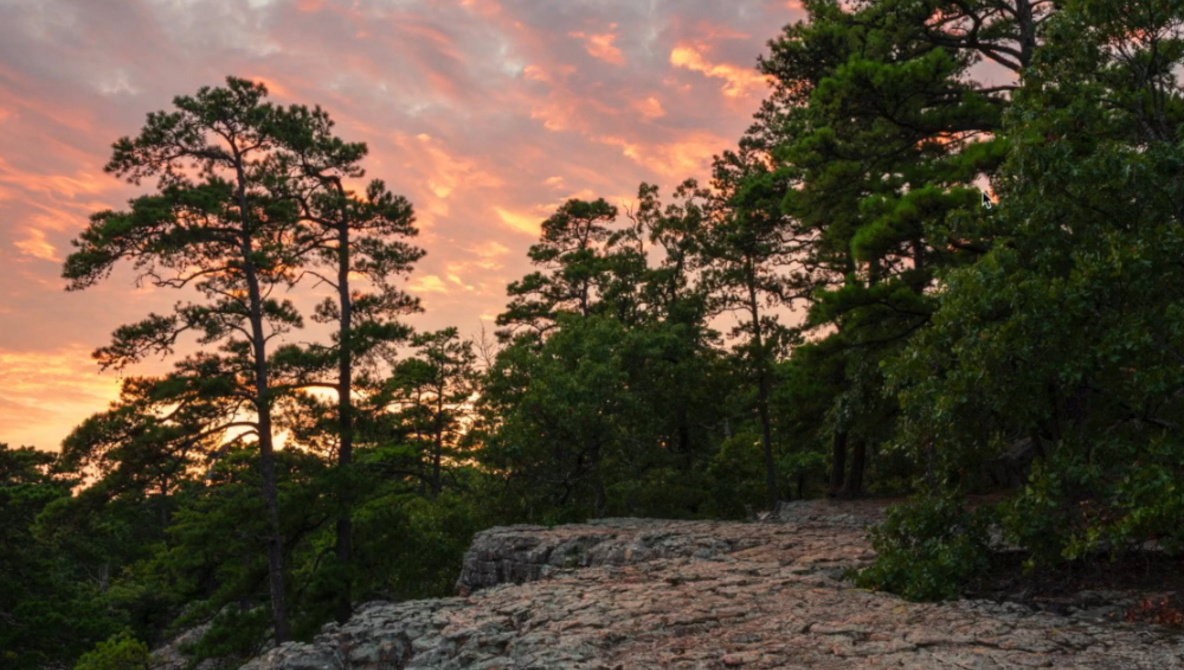
Editing landscape photographs in Adobe Lightroom can significantly influence how an image resonates with viewers. A recent video tutorial by photographer Scott outlines a comprehensive workflow aimed at enhancing landscape photos while maintaining a natural look, steering clear of overly dramatic editing styles.
The tutorial begins with an emphasis on the importance of selecting the correct camera profile. Many photographers overlook this step, but Scott argues that starting with the Adobe Landscape profile can enrich shadows and colors, providing a more vibrant foundation than the often dull default profile. Following this, he demonstrates the utility of the Auto button, allowing Lightroom to suggest initial tonal adjustments. This approach helps photographers understand how their images might naturally develop rather than imposing a preconceived style.
Scott encourages viewers to adjust the white balance based on personal recollections of the scene rather than relying solely on the camera’s automatic settings. He methodically tweaks the tint and temperature sliders, reminding viewers that trusting one’s instincts is crucial in the editing process. A straightforward principle Scott advocates is to avoid pushing any slider to 100% without a specific reason, as this can lead to unnatural results.
Refining Edits with Careful Adjustments
The editing process continues with Scott setting white and black points using Lightroom’s keyboard shortcuts. He fine-tunes these settings while monitoring for clipping, which can degrade image quality. Tools like texture, clarity, and dehaze are used judiciously, primarily through targeted masks rather than applied globally. This careful application helps preserve the integrity of the landscape.
A critical distinction is made between vibrance and saturation. Scott explains that vibrance enhances softer colors without overwhelming the image, while saturation affects all colors uniformly, often resulting in an artificial look when overused. The tone curve becomes vital for creating contrast; Scott typically uses a gentle S-curve or a medium-contrast preset to achieve depth without compromising the overall aesthetic.
In terms of color work, Scott opts for subtlety. He employs the color mixer and color grading tools to bring the image back to the authentic colors he remembers from the scene, avoiding trendy palettes that detract from the natural beauty. Color grading is predominantly applied to highlights, with Scott regularly toggling the effect on and off to ensure it enhances the image without becoming too noticeable.
Advanced Techniques for a Polished Finish
Sharpening techniques are approached as a means of enhancing detail rather than a way to salvage poorly focused images. Scott zooms in to 100% on a detailed area, applying sharpening selectively to edges and textures while avoiding smooth areas like the sky. He stresses that the sharpness slider primarily adjusts edge contrast, not a fix for inadequate technique.
The video also covers advanced tools that elevate a quick edit into a more thoughtful one. Scott discusses lens corrections and transformations, emphasizing the importance of removing chromatic aberration and applying profile corrections to eliminate fringing and vignetting. He opts for a custom vignette created with a radial filter, allowing for precise control over the darkening effect and its transition.
Sky masks, combined with linear gradients, enable Scott to darken the upper sky more than the lower sections, achieving a natural gradient. He meticulously adds patches of light where he recalls sunlight hitting trees and rocks, enhancing the scene’s realism.
Finally, after completing the main edit, Scott revisits the image at 100% to eliminate distractions and sensor dust. He utilizes Lightroom’s newer removal tools but maintains a preference for manual checks to ensure thoroughness.
For those interested in diving deeper into landscape photography, Scott’s detailed tutorial is available for viewing. Alex Cooke, a photographer and meteorologist based in Cleveland, highlights the importance of such resources in developing photographic skills. He also enjoys teaching music and spending time with horses and rescue dogs, further illustrating the diverse interests that can enrich creativity in photography.