
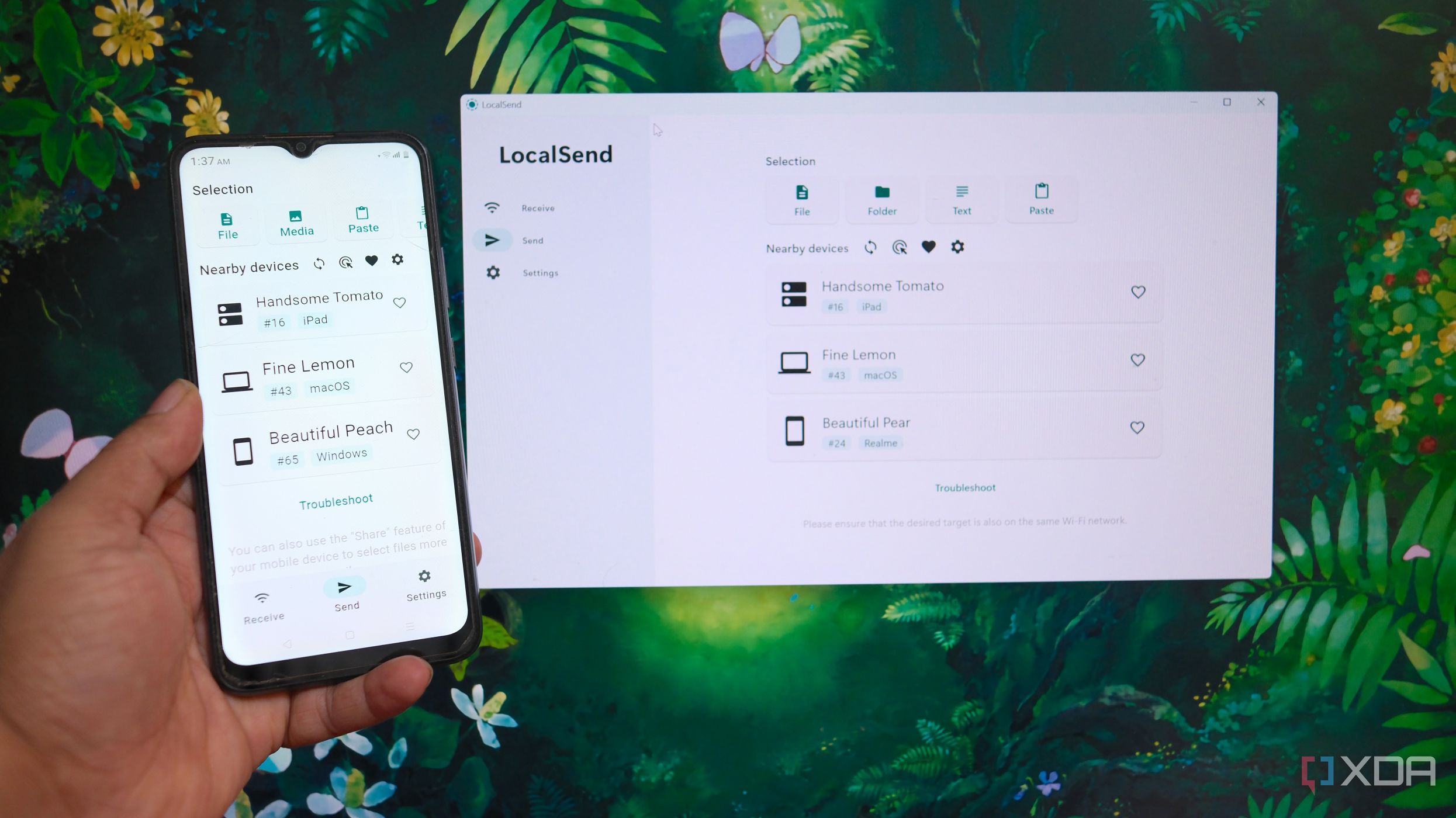
UPDATE: LocalSend has emerged as a powerful alternative to AirDrop, revolutionizing file sharing across mixed-device ecosystems. Users are experiencing seamless file transfers between Apple, Windows, and Android devices, making it a game-changer for those feeling constrained by AirDrop’s limitations.
LocalSend, a free and open-source application, enables efficient local file sharing without relying on cloud services or requiring account sign-ins. Users can now share files effortlessly across various devices on the same network, addressing the frustrations of those juggling different operating systems.
AirDrop, while praised for its integration within Apple’s ecosystem, is severely limited to Apple devices, leaving many users searching for viable alternatives. The need for a solution that supports cross-platform sharing is evident for individuals like myself, who utilize a diverse range of devices, including a Windows PC, Android phone, iPhone, iPad, MacBook Air, and even a Linux server.
LocalSend stands out with its straightforward setup. Once installed, the app automatically detects other LocalSend-enabled devices on the same network. Users can select files for transfer without the hassle of pairing devices or connecting to the internet, enhancing convenience and efficiency.
Why This Matters RIGHT NOW: As remote work and varied device usage become the norm, the demand for flexible file-sharing solutions has surged. LocalSend not only meets this need but does so without compromising user privacy by avoiding third-party servers. This shift is crucial for individuals and businesses seeking reliable, secure file-sharing methods.
The application allows users to send not just documents but entire folders and text, with the added capability of setting a security PIN for file transfers. In an era where data security is paramount, LocalSend addresses these concerns effectively.
Additionally, LocalSend’s web version offers a unique advantage. Users can share files via a direct link, eliminating the need for app installations on recipient devices. This feature is especially beneficial for quick transfers and enhances the overall user experience.
However, LocalSend does have limitations. It requires all devices to be on the same local network for effective file discovery, which may restrict its use in remote situations. Additionally, the app does not work with VPN services like Tailscale without additional configurations.
For those who primarily use Apple devices, AirDrop remains a robust tool. But for individuals needing to share files across a mix of operating systems, LocalSend presents a more comprehensive solution. This development is a significant step in bridging the gap between different tech ecosystems, allowing users to streamline their workflows and enhance productivity.
As more users discover LocalSend, it’s poised to redefine how we think about file sharing in a multi-device world. If you’re struggling with file transfers among different platforms, now is the time to explore LocalSend and experience the difference it can make in your daily routine.