
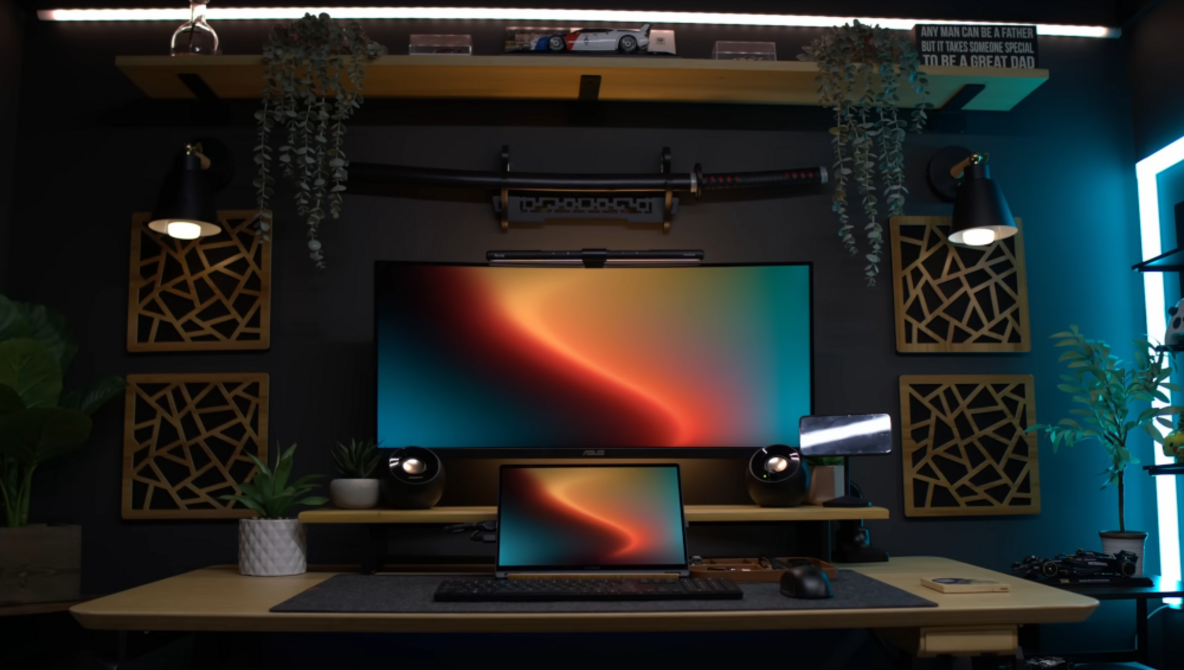
Working extensively on laptops can lead to discomfort and long-term health issues if proper ergonomics are neglected. A recent video by Moniz highlights common mistakes in laptop setups that can negatively impact neck and wrist health, as well as overall productivity. By analyzing real desk setups submitted by viewers, Moniz provides practical solutions that can significantly enhance workspace comfort.
One of the key insights shared in the video is the misconception that a laptop alone constitutes an effective workspace. Moniz points out that many users fail to consider the broader workflow surrounding their desk. For instance, when a laptop is positioned far off to one side, it forces the user to twist their head awkwardly, creating strain. Rather than suggesting extensive purchases, Moniz emphasizes simple adjustments that can make a notable difference.
Optimizing Your Workspace
Specific recommendations include relocating the laptop closer to the main display to reduce neck rotation. Moniz critiques setups where the laptop is sidelined, urging viewers to avoid the mindset of “I’ll get used to it.” He illustrates this with a setup featuring a floating monitor that, while aesthetically pleasing, becomes cramped when combined with other equipment like speakers and laptop stands.
Another example includes a cluttered desk filled with extra audio gear and visible cables. Moniz advocates for a tidier approach, proposing that users reroute cables behind the desk and minimize the number of items in front of them. He also addresses the importance of an ergonomic chair, suggesting that it is the most beneficial upgrade one can make, regardless of laptop changes.
For those who also use their workspace for gaming, Moniz highlights the PlayStation 5’s inconvenient placement on the desktop. He argues that relocating it to a cabinet below can free up valuable space, making it easier to fit the laptop alongside a primary display without crowding the edges.
Key Ergonomic Considerations
Moniz encourages viewers to think about three critical aspects of their setup: the positioning of their head, the placement of their hands, and the management of cables. He suggests utilizing a vertical second display that aligns with the main monitor, ensuring an ergonomic angle that complements the user’s seated position.
The video also discusses the impact of lighting on productivity. Moniz warns against excessive lighting that can shift focus from work to distraction. Instead, he recommends a single, well-placed lamp to create effective task lighting.
For a comprehensive overview of these ergonomic principles, viewers can check out the full video featuring Moniz’s expert guidance.
Alex Cooke, a Cleveland-based photographer and meteorologist, emphasizes the importance of these adjustments, merging his diverse interests, including teaching music and caring for animals, with practical advice for improving daily work experiences.
Ultimately, the video serves as a valuable resource for anyone looking to enhance their laptop workspace. By making small yet impactful changes, users can help protect their neck, wrists, and overall productivity while enjoying a more comfortable working environment.