
Setting up a new computer can be a tedious process, particularly for software engineers and developers who require efficiency from the start. Many professionals find that their productivity is often hampered not by significant issues, but by small, repetitive delays throughout their workflow. To mitigate these frustrations, several essential terminal tools can be installed immediately on both Windows and Linux systems.
Streamlined Searching with Ripgrep
One of the first tools to consider is Ripgrep, a powerful search utility that has become a staple for many developers. Unlike the traditional grep command, Ripgrep is designed to be faster and more intelligent. Written in Rust, it quickly navigates through directories, identifying relevant lines of code without the lag often associated with large search operations.
Ripgrep respects your .gitignore files by default, avoiding irrelevant results from hidden files or unnecessary binary data. This ensures that searches yield meaningful results, allowing users to focus on actual source code rather than extraneous files. Whether on a large Linux server or a personal Windows setup, Ripgrep has proven to be an invaluable tool for efficient code search.
Modernizing Command Line Experience with Nushell
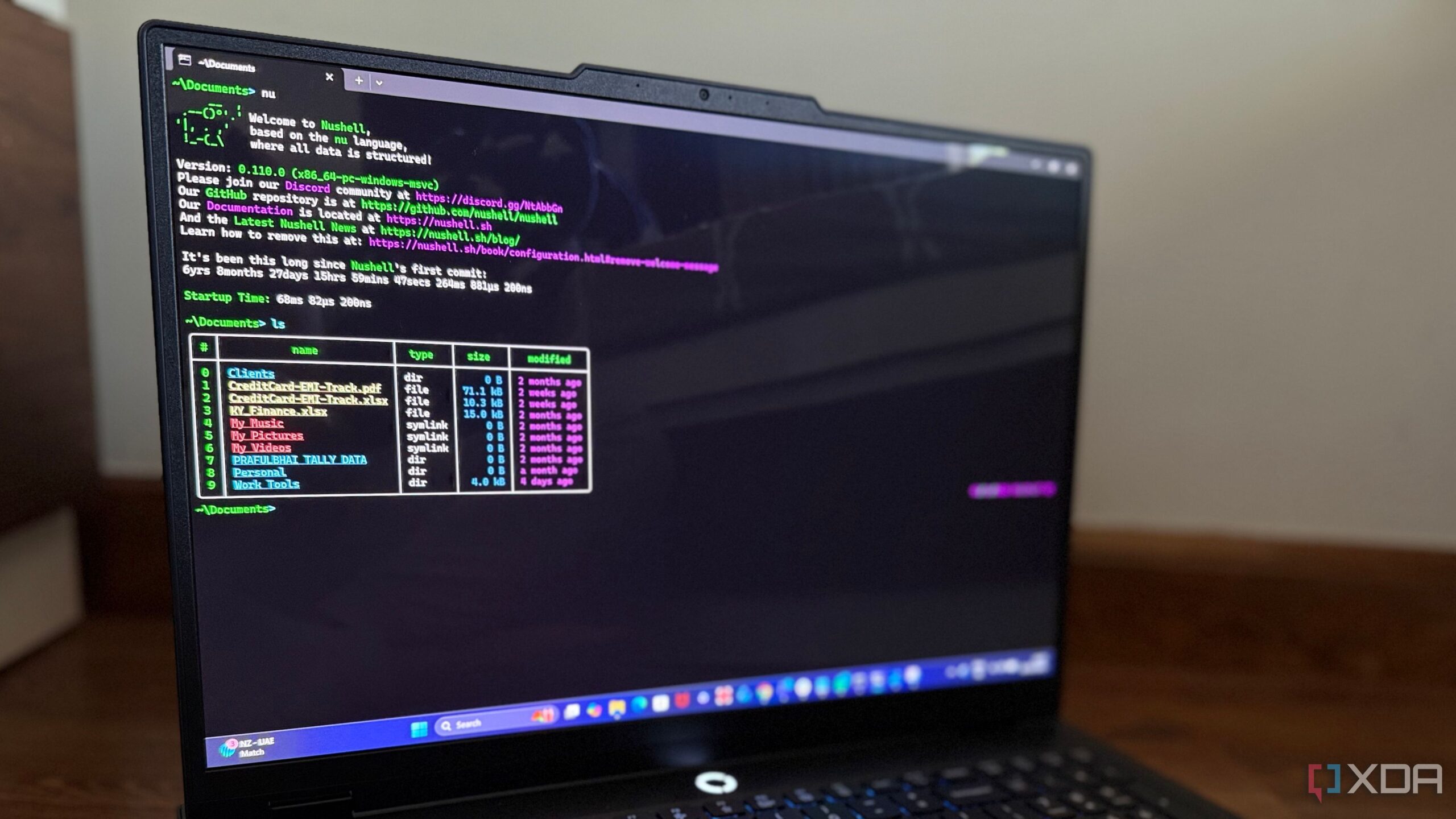
Following the installation of Ripgrep, many professionals turn to Nushell. This innovative shell transforms the way terminal output is handled, treating it as structured data rather than plain text. This distinction significantly enhances reliability and ease of use, allowing commands to return clean, organized results.
With Nushell, users can avoid the complexities often associated with traditional shells like Bash or PowerShell, which can lead to confusion and inefficiency. As commands behave consistently across both Windows and Linux, Nushell eliminates the need to switch mental models between different systems, streamlining the user experience.
Enhancing Navigation with Fzf
For those who frequently search through command histories or file paths, Fzf is a game-changer. This fuzzy finder tool simplifies the process of locating past commands or navigating directories with remarkable speed and efficiency. Users can type in partial names or keywords, and Fzf instantly narrows down the results in real-time, much like a search engine for the command line.
Fzf’s integration with existing tools allows for seamless navigation and enhances overall workflow. Whether switching between folders, selecting a Git branch, or terminating a persistent process, Fzf transforms what was once a cumbersome task into a quick and efficient action.
Improving Command Familiarity with TLDR
Another essential tool is TLDR, which stands for “Too Long; Didn’t Read.” This resource serves as a streamlined alternative to traditional manual pages, offering practical examples of command usage instead of lengthy explanations. TLDR focuses on real-world applications, enabling users to quickly refresh their memory on command syntax without needing to sift through irrelevant information.
By providing community-maintained cheat sheets, TLDR allows users to learn commands through practical experience rather than rote memorization. This approach is particularly useful when switching between Windows and Linux, as the tool functions consistently across both platforms.
In summary, these four tools—Ripgrep, Nushell, Fzf, and TLDR—represent a foundational toolkit that enhances productivity by minimizing common frustrations associated with terminal use. Instead of starting a new machine setup with themes or plugins, focusing on these essential tools allows users to eliminate friction and optimize their workflows from the outset. The combination of instant searching, predictable command responses, effortless navigation, and accessible documentation fosters an environment where developers can maintain their focus and enhance their efficiency.