
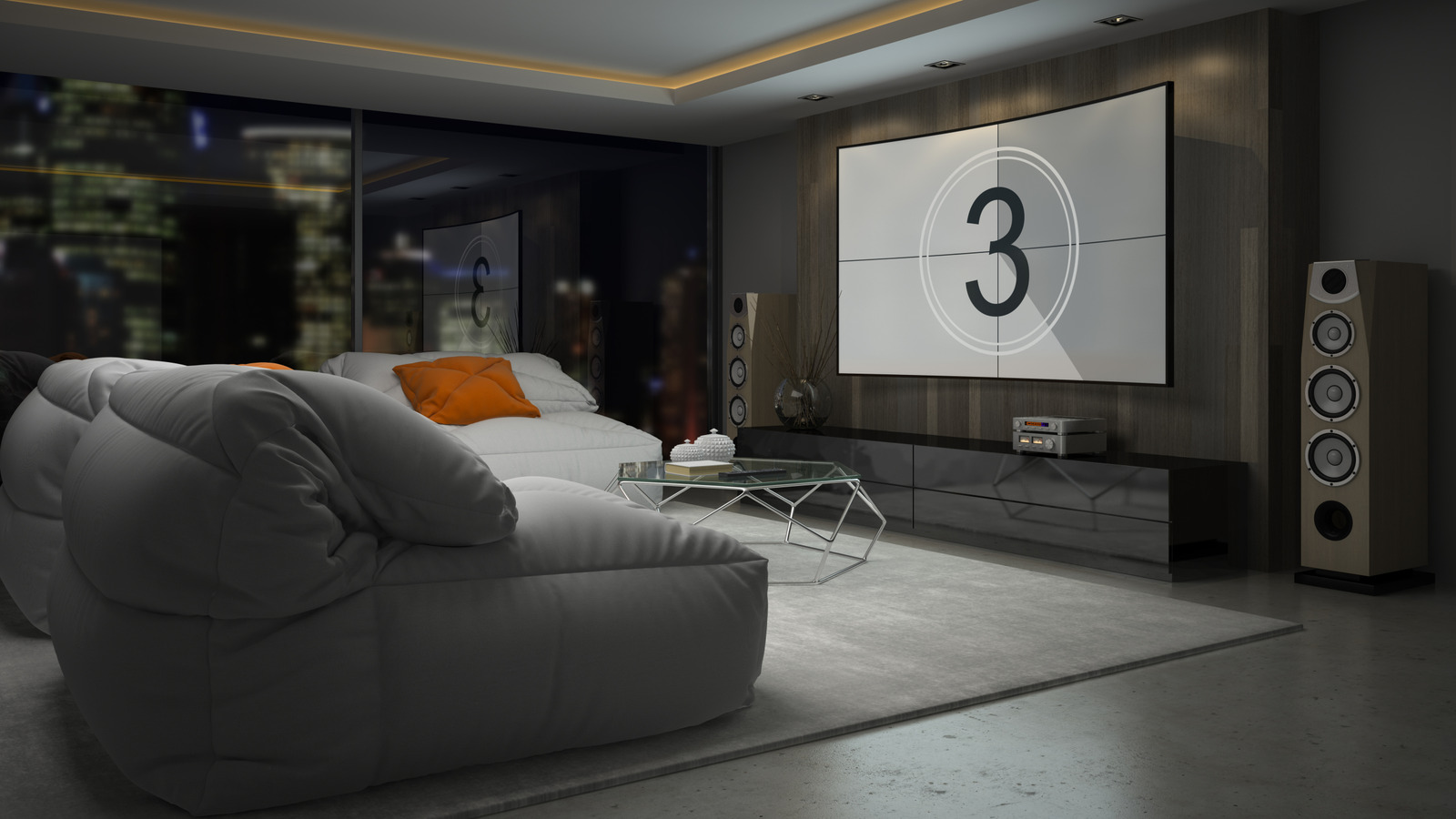
Setting up a home theater system can be an exciting venture for audio enthusiasts, but it often poses challenges as well. Many individuals face confusion and frustration while trying to optimize their audio experience. After investing in quality equipment and positioning speakers effectively, ensuring the desired sound quality can still be elusive. Fortunately, adjusting a few key audio settings can significantly enhance your home theater experience without overwhelming complexity.
Start with Auto Calibration for Balanced Sound
Before diving into manual adjustments, consider using the auto-calibration feature available on most modern receivers. This function, often branded differently by manufacturers—such as Audyssey from Marantz, MCACC from Pioneer, and DCAC from Sony—utilizes white noise or test patterns to analyze speaker placement and room acoustics. By guiding the system through this automatic process, users can achieve a more balanced sound tailored to their specific environment. While some systems require a microphone placed in a key seating area, others may ask for manual input of speaker distances. Regardless of the method, completing this calibration is a crucial first step toward achieving optimal audio quality.
Utilize Preset Audio Settings
Many modern home theater systems come equipped with preset audio modes designed to simplify the listening experience. These presets cater to different types of content, such as sports, movies, or live music. While televisions often offer basic options, home theater systems provide more specialized settings, which can greatly enhance sound quality. However, proper selection is vital; users should ensure they choose the appropriate preset for their specific content to maximize their system’s potential.
In addition to presets, the surround sound format can significantly impact audio quality. The leading formats—Dolby Atmos and DTS:X—are now supported by most contemporary home theater platforms. These systems typically adjust the surround sound format automatically based on the content being played. For users seeking a personalized experience, manually selecting the surround sound format can make a notable difference in sound immersion.
Adjust the Crossover Setting for Clarity
One often-overlooked feature in audio systems is the crossover setting, which can dramatically improve sound clarity. The crossover serves as a filter that separates audio signals into high, mid, and low frequencies, directing them to the appropriate speakers. This prevents distortion by ensuring that each driver only reproduces sounds it is designed to handle. Audio professionals generally recommend starting with a crossover level of 80 Hz for larger speakers and subwoofers, while smaller speakers may benefit from settings around 90 Hz to 100 Hz.
Proper speaker placement also plays a crucial role in achieving the desired audio effect. After positioning your speakers accurately, it is essential to ensure the system is set to surround sound rather than the default stereo mode. Most receivers allow users to switch to surround sound through the audio menu, often labeled as bitstream or under specific surround sound format names.
Leverage Dynamic EQ for Enhanced Audio Experience
Another feature that can elevate your home theater experience is dynamic EQ. This intelligent audio setting automatically adjusts bass and treble frequencies based on volume levels, ensuring that audio details remain clear across various volumes. This can be particularly beneficial for users who frequently change volume levels, as it helps maintain audio fidelity without distortion.
While the name of this feature may vary by brand, it is designed to optimize sound quality in a home theater setup. Audio experts often suggest that dynamic EQ is most effective at lower volume levels, so users who prefer higher volumes might consider disabling this feature to avoid potential sound quality compromises.
In conclusion, enhancing your home theater system’s audio output is achievable through a few straightforward adjustments. By starting with auto calibration, utilizing preset audio settings, adjusting crossover levels, and leveraging dynamic EQ, users can significantly improve their listening experience. These simple yet effective changes can transform an ordinary home theater setup into an immersive audio environment that meets the expectations of any audio enthusiast.