
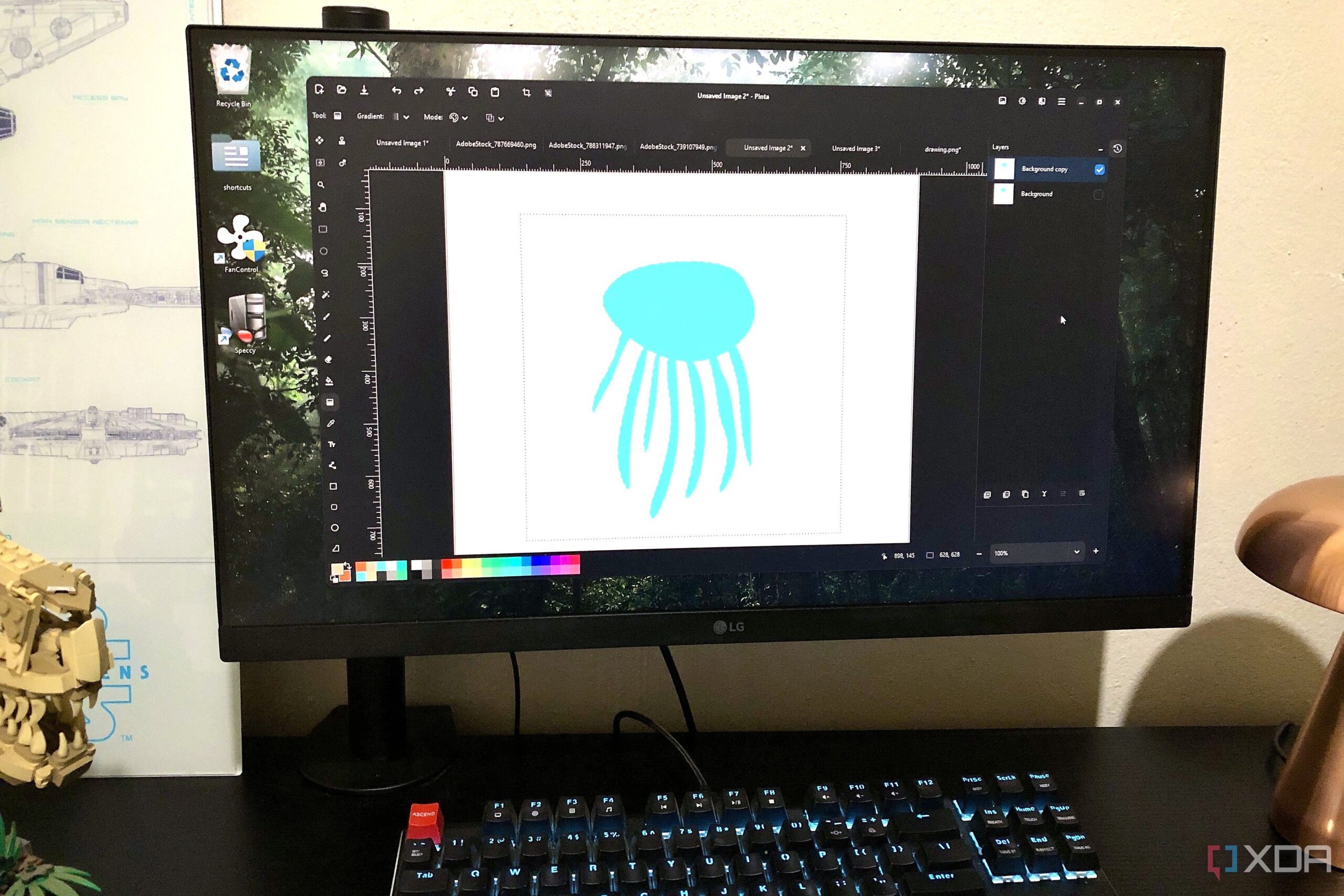
Many individuals are reevaluating their need for expensive software subscriptions, particularly when it comes to graphic design tools. This shift has led to increased interest in free alternatives like Pinta, an open-source graphics editor designed to cater to users seeking a cost-effective solution without sacrificing functionality.
What is Pinta?
Launched as a cross-platform option similar to Paint.NET, which is exclusive to Windows, Pinta aims to provide a familiar interface for users on Linux and macOS. It is a lightweight raster graphics application that serves as both a drawing tool and an image editor. The design is modern and user-friendly, ensuring that newcomers can quickly learn the basics while experienced editors will appreciate its streamlined layout.
Pinta is equipped with a multi-layer workspace that includes essential features such as history, masking, selection, brushing, and coloring. This level of accessibility makes it suitable for casual creators, students, bloggers, and budget-conscious designers who desire more than just basic editing capabilities.
Features and Functionality
Pinta shines in its simplicity and effectiveness for basic graphics manipulation. Upon opening a file, users find an intuitive interface with easily recognizable icons. The side panel includes a text tool that offers a wide selection of fonts and various adjustable properties, such as size and color. Basic shape tools, including rectangles and ellipses, are also available, with a Freeform shape tool that allows for further customization.
For those looking to perform basic image adjustments, Pinta offers tools for cropping, resizing, flipping, and rotating images. The inclusion of filters provides creative options without overwhelming the user. With just a click, one can transform images into paintings, apply noise effects, or distort images with warping.
Pinta’s advanced features do not disappoint either. The software includes tools for Lasso selection and Magic Wand functionality. Users can work with layers, allowing for complex compositions that benefit from masking options. The paintbrush and pencil tools cater to both artistic endeavors and precise image editing techniques, such as dodging and burning.
Advanced adjustments are found in the top toolbar, which includes options for auto-adjustment, brightness and contrast, and HSL adjustments. Pinta also features a color wheel editor for foreground and background selections and an advanced Curve and Levels editor for precise lighting control. Additionally, users can enhance their experience by installing plugins and add-ons.
While Pinta offers a robust array of features, it is important to note its limitations. It does not support PSD files or advanced capabilities such as adjustment layers and Smart Objects, making it less suitable for professional graphics portfolios or client-driven work. For those needs, software like Affinity or GIMP may prove to be more effective.
In conclusion, Pinta has emerged as a surprising yet capable alternative for those seeking a free graphics editor. Its functionality is reminiscent of more complex software, making it an ideal choice for individuals learning graphic design or photography. With no subscription fees or data collection, Pinta offers a compelling option for anyone looking to explore their creative potential.